GitHub Wide
GitHub
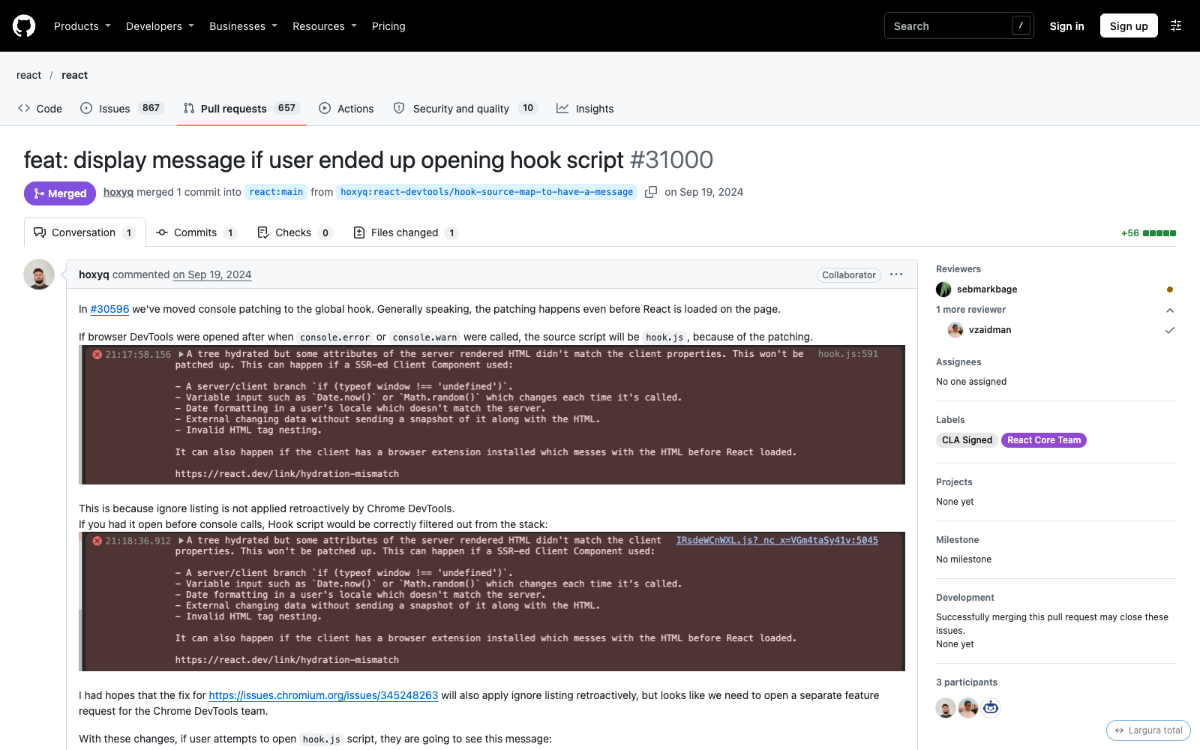
Use the full screen on GitHub: repository pages, pull requests, issues and commits are no longer stuck in a 1280px column. A more compact file tree (more files per screen). A small button turns full width on and off.
Ready-made templates that clean up, speed up and redesign YouTube, X, Reddit and other sites. The Layer X extension applies them in one click.
10 templates · 9 sites · Free during the beta
Catalog
The most used templates right now. All free during the beta.
GitHub
Use the full screen on GitHub: repository pages, pull requests, issues and commits are no longer stuck in a 1280px column. A more compact file tree (more files per screen). A small button turns full width on and off.
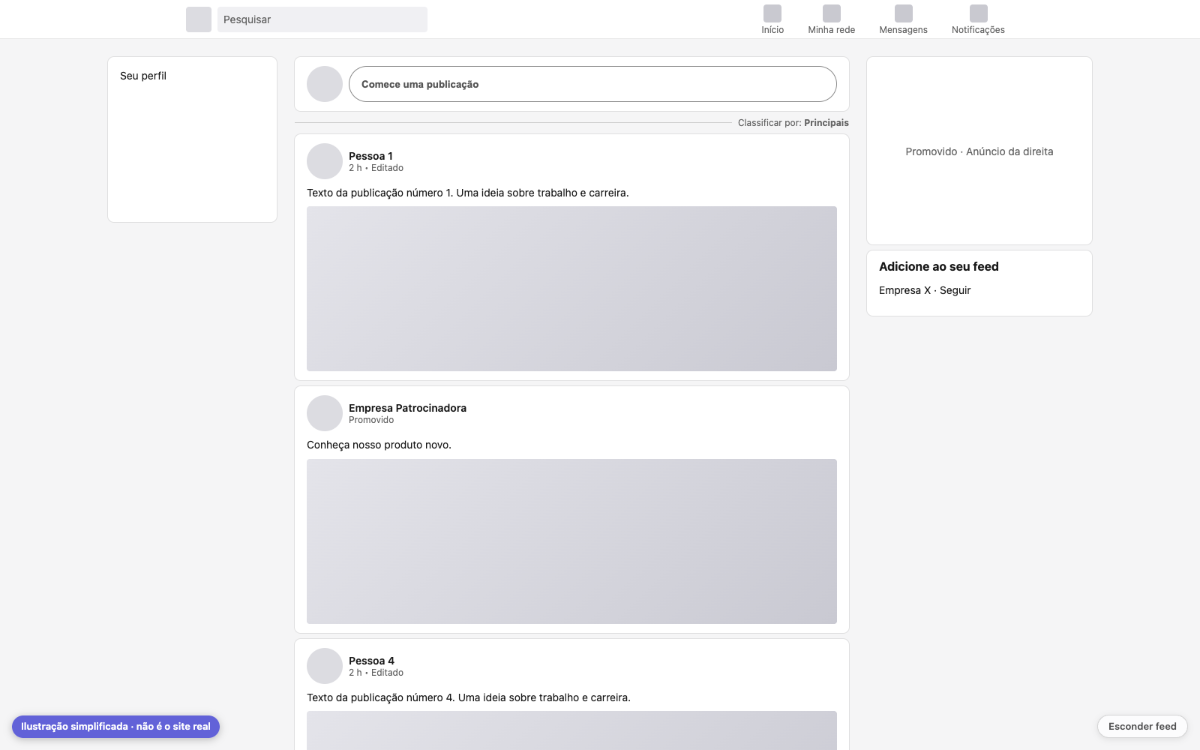
A less distracting LinkedIn feed: hides the "LinkedIn News" box and the "People you may know" suggestions, and makes the posts column wider. A button hides the whole feed and shows a calm message; the post box and notifications stay within reach. This template never hides promoted posts.
Netflix
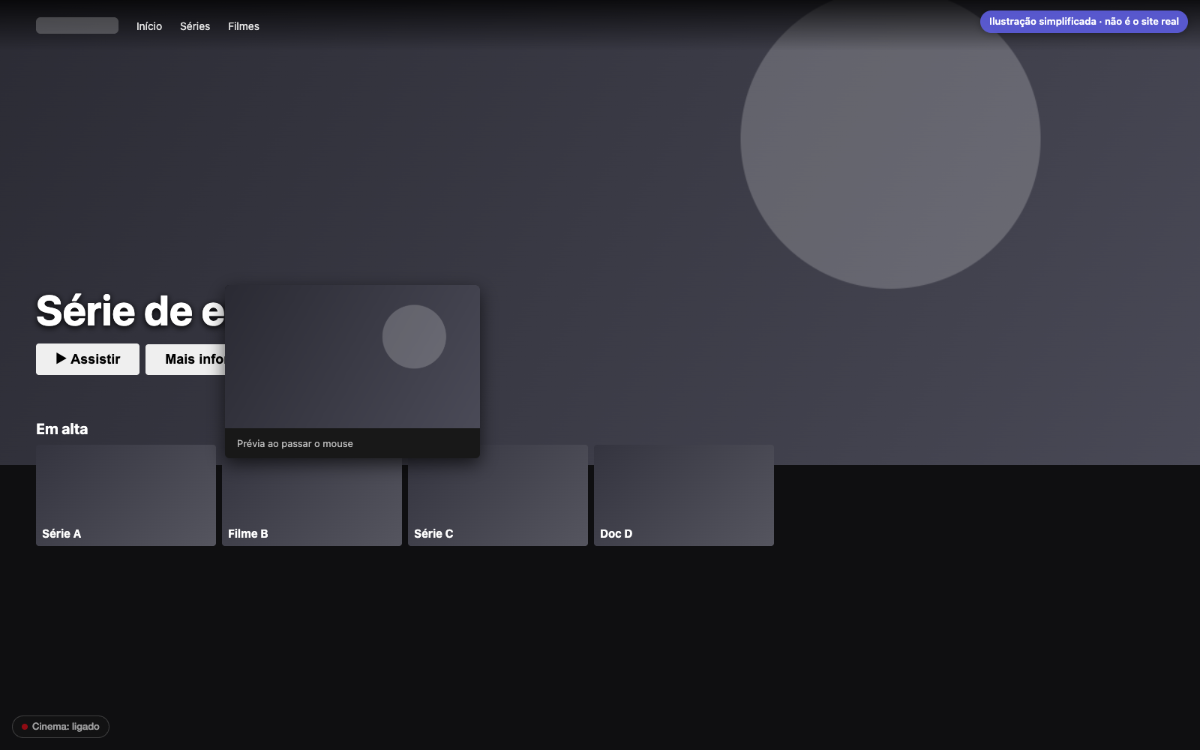
For Netflix subscribers: automatically presses the player's own "Skip Intro" and "Skip Recap" buttons (once per button). On browse pages, the big banner at the top and the hover previews don't play video on their own: you get a still image instead. A button turns it on and off. Doesn't touch ads, login or your account.
Paramount+
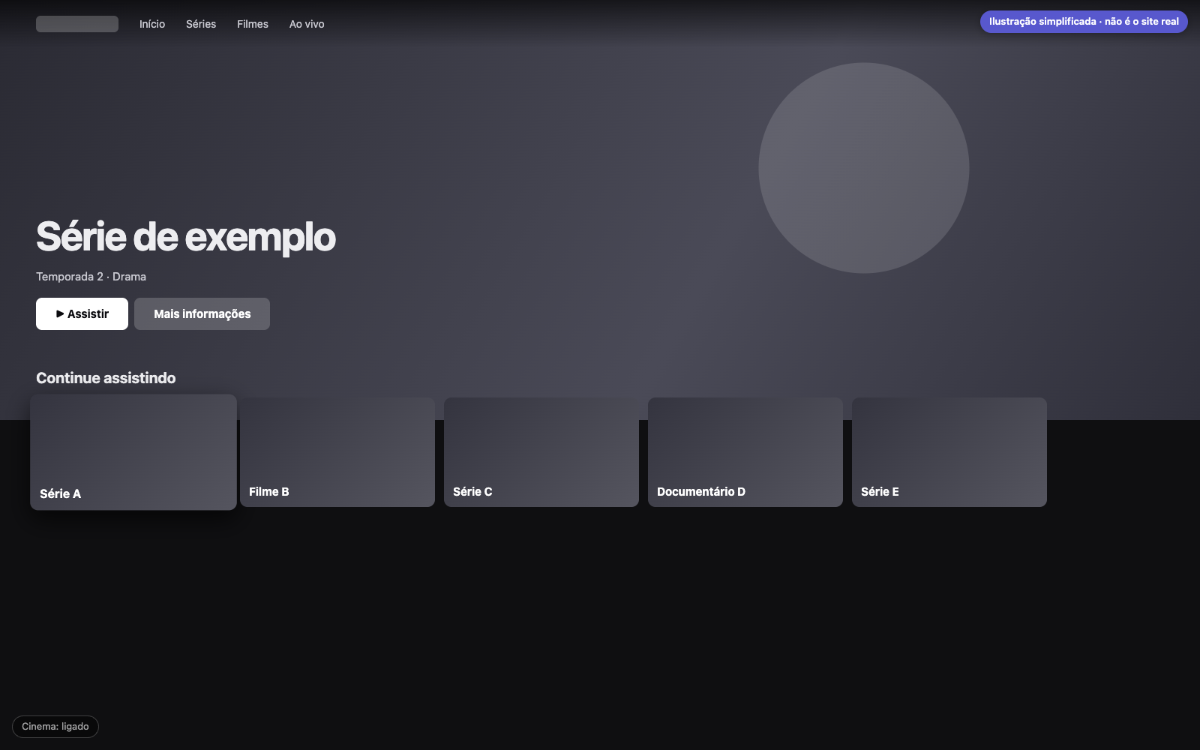
Automatically presses the site's own "Skip Intro" and "Skip Recap" buttons. Removes the autoplaying video previews on browse pages. A button turns it on and off.
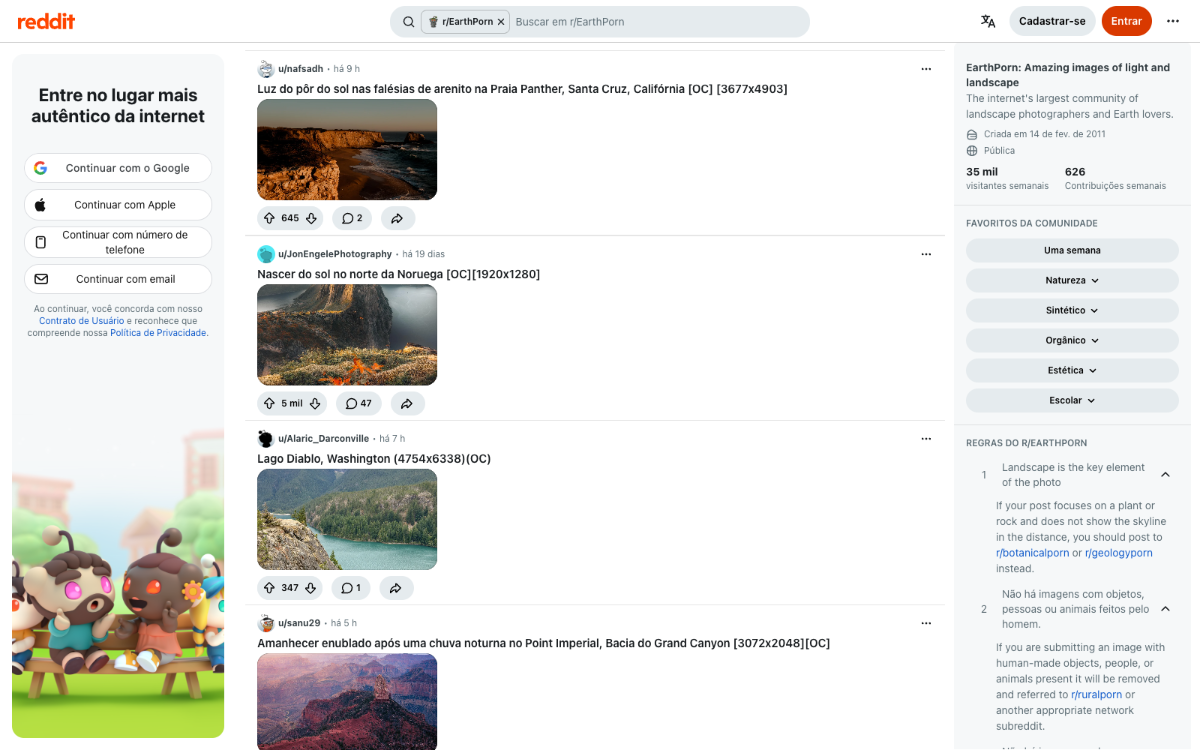
A compact, forum-style look for new Reddit: more posts per screen, a wider main column, thumbnail-size images and videos, and less white space.
Twitch
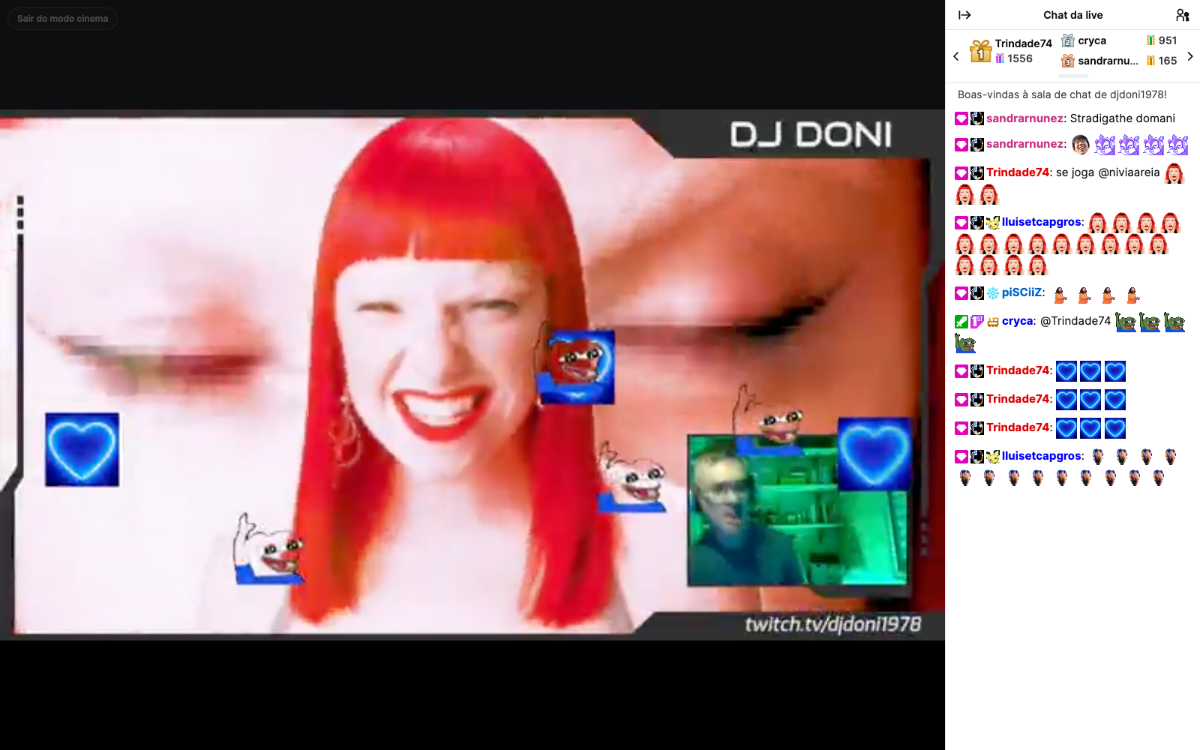
A calmer Twitch for watching: the recommended channels menu starts collapsed (if you open it, it stays open), the video in the home page's featured carousel doesn't autoplay (the carousel stays visible; a button turns the pause on and off), an easier-to-read chat, and a "Cinema mode" button that leaves just the video and the chat. Doesn't block or hide ads.
Sites
Pick a site and see everything you can change on it.
How it works
See it for real: install from the site, turn it on in the extension, and the site changes.
In the video: the person opens a template on the site, clicks Install, turns the template on in the extension menu and opens the site, which already shows the change.
The Layer X extension runs in Chrome on your computer. It applies templates only on the right sites.
Visual, features or both. Click Install on the template page: done.
Reload the tab and see the change. Don't like it? Turn it off with one click.
For creators
Connect Claude, Cursor or another AI with MCP. You describe the change in plain words, the AI writes the template and the extension shows it live on the site.